Every signal has
a path forward.
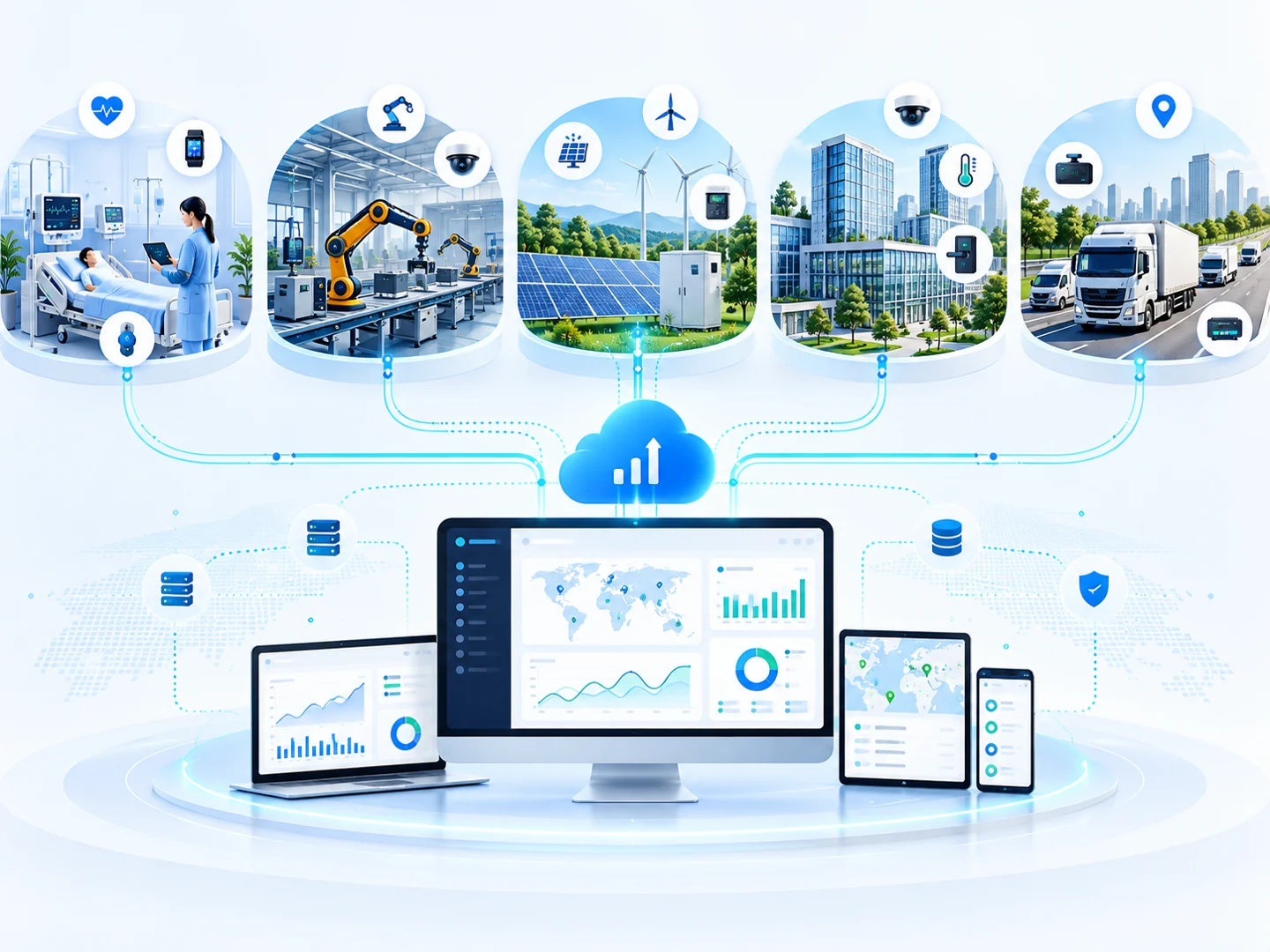
See how measurements travel from connected devices into dashboards and the workflows your team uses.
The pieces behind
every connected view.
Modular capabilities for the devices, data and people in your operation.
01 Device identities & templates
A template defines a product’s metrics, units and data types. Each installed device has its own identity and credential, so the platform can associate a reading with the correct source.
Device management ↗02 Telemetry & datastreams
Firmware supplies named measurements. The data model gives those fields consistent labels and units; ingestion associates them with the authenticated device and a recorded time.
Data integration ↗03 Dashboards & history
Current-value widgets show the latest available reading. Historical views show how it changed. Last-seen information helps operators distinguish a live update from stale data.
Live monitoring ↗04 Rules & incidents
A configured comparison evaluates a measured value against a chosen limit. The alert captures the event; the incident records who investigates it and how the issue is resolved.
Alert engine ↗05 Roles & access
Team roles determine the actions available to a signed-in user. Device keys authenticate hardware independently, while available audit records help review administrative changes.
Security and roles ↗06 APIs & integration
Device endpoints accept telemetry and expose supported command workflows. External integrations exchange defined payloads with configured systems; authentication and response checks belong to each connection.
Explore APIs ↗Change a setting.
See what happens.
Explore five connected systems with interactive controls and 3D scenes.
Watch irrigation change the soil.
Adjust soil moisture, then switch irrigation on. Run the simulation to see moisture rise as the reservoir drains. Irrigation stops at the target or when the reservoir is empty.
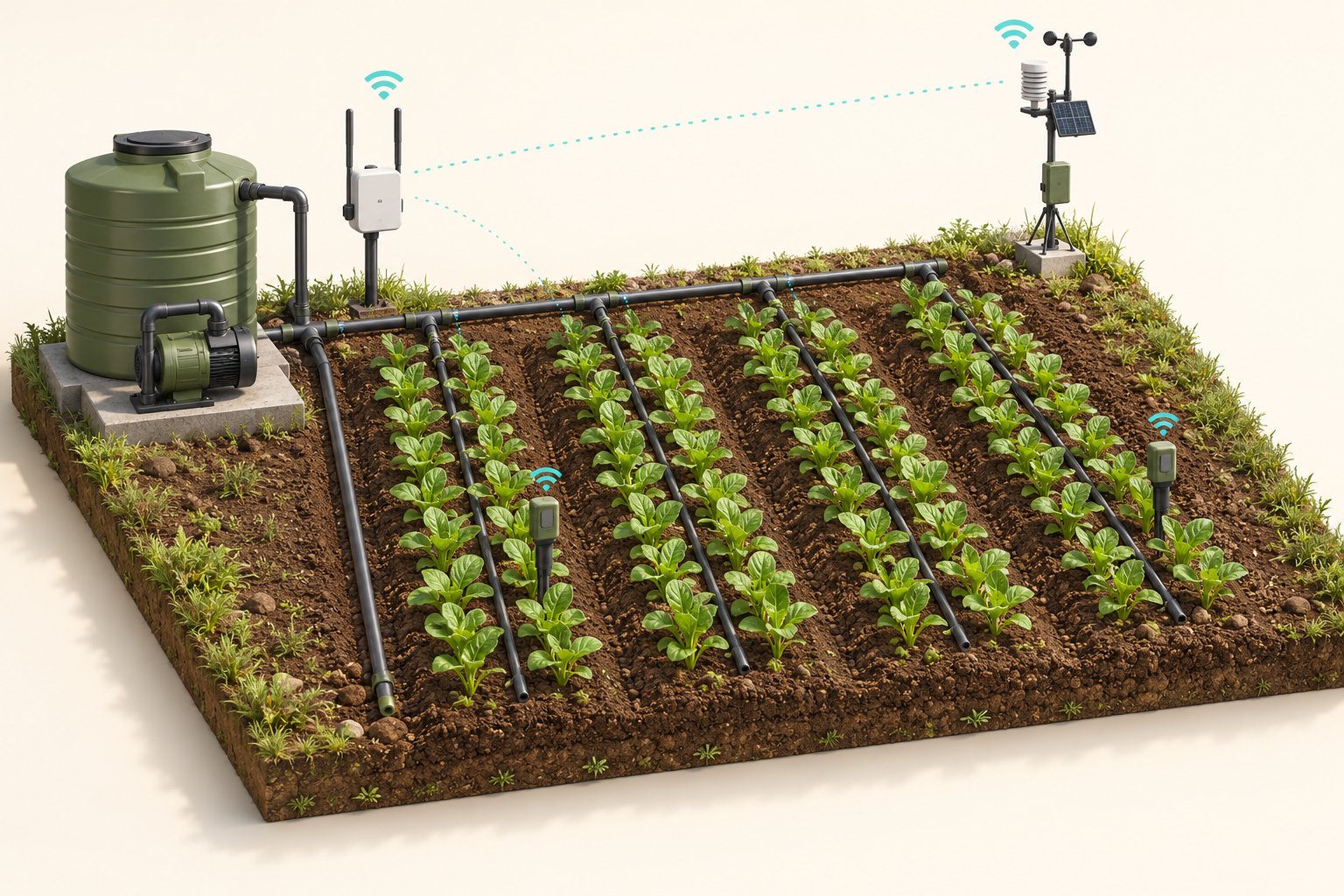 Irrigation OFF
Start the motor. Follow its condition.
Switch the motor on and change the vibration reading. The motor animation follows the switch; excessive vibration highlights the sensor and raises an inspection alert.
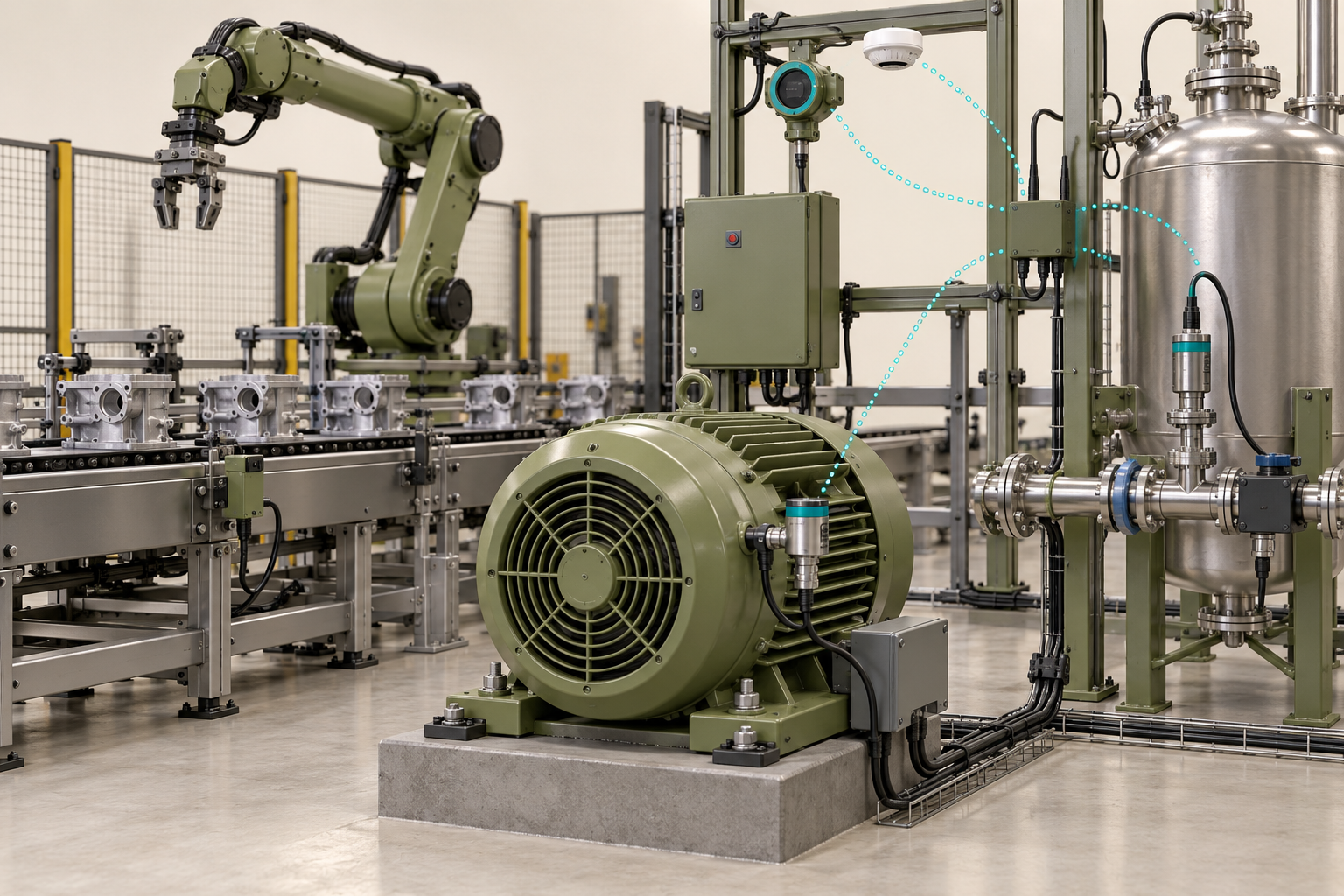 Motor OFF
Control the lights. Check room conditions.
Change the room temperature and switch the lighting on or off. The rooms in the building visibly brighten or darken with your lighting command.
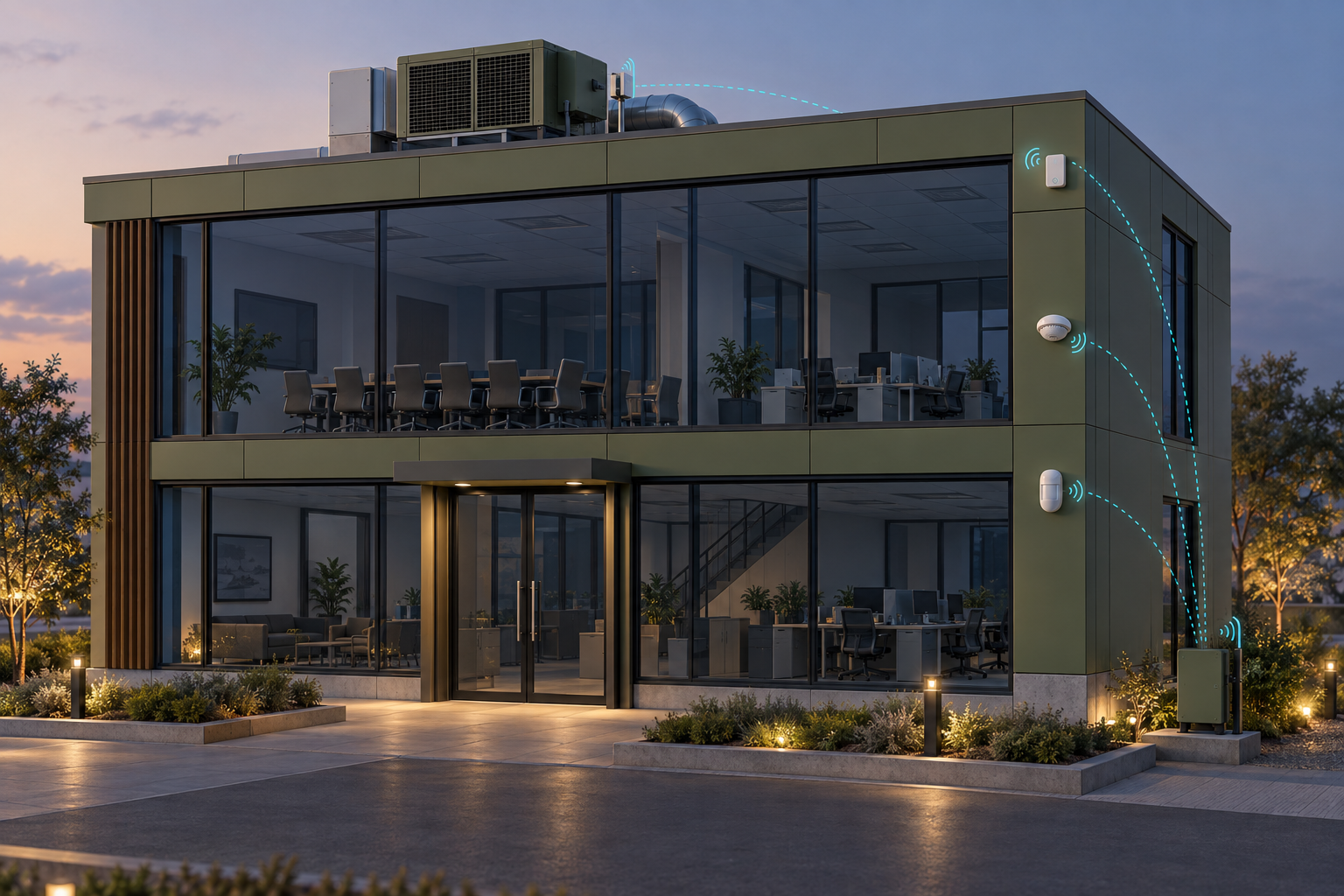
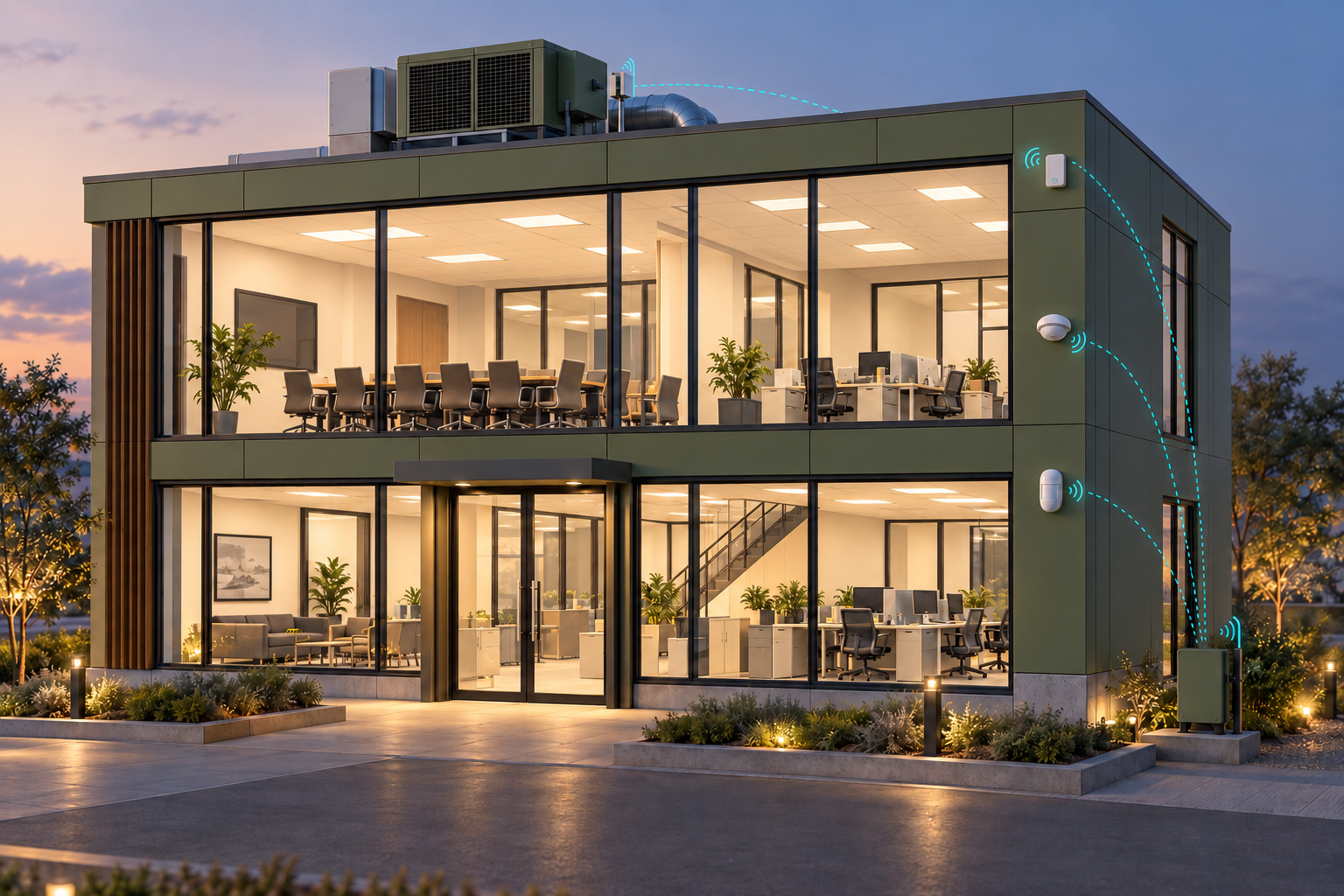 Lights OFF
Know how recent a vehicle update is.
Change the time since the last tracker update. The dashboard flags a stale position when the sample device has not reported for more than five minutes.
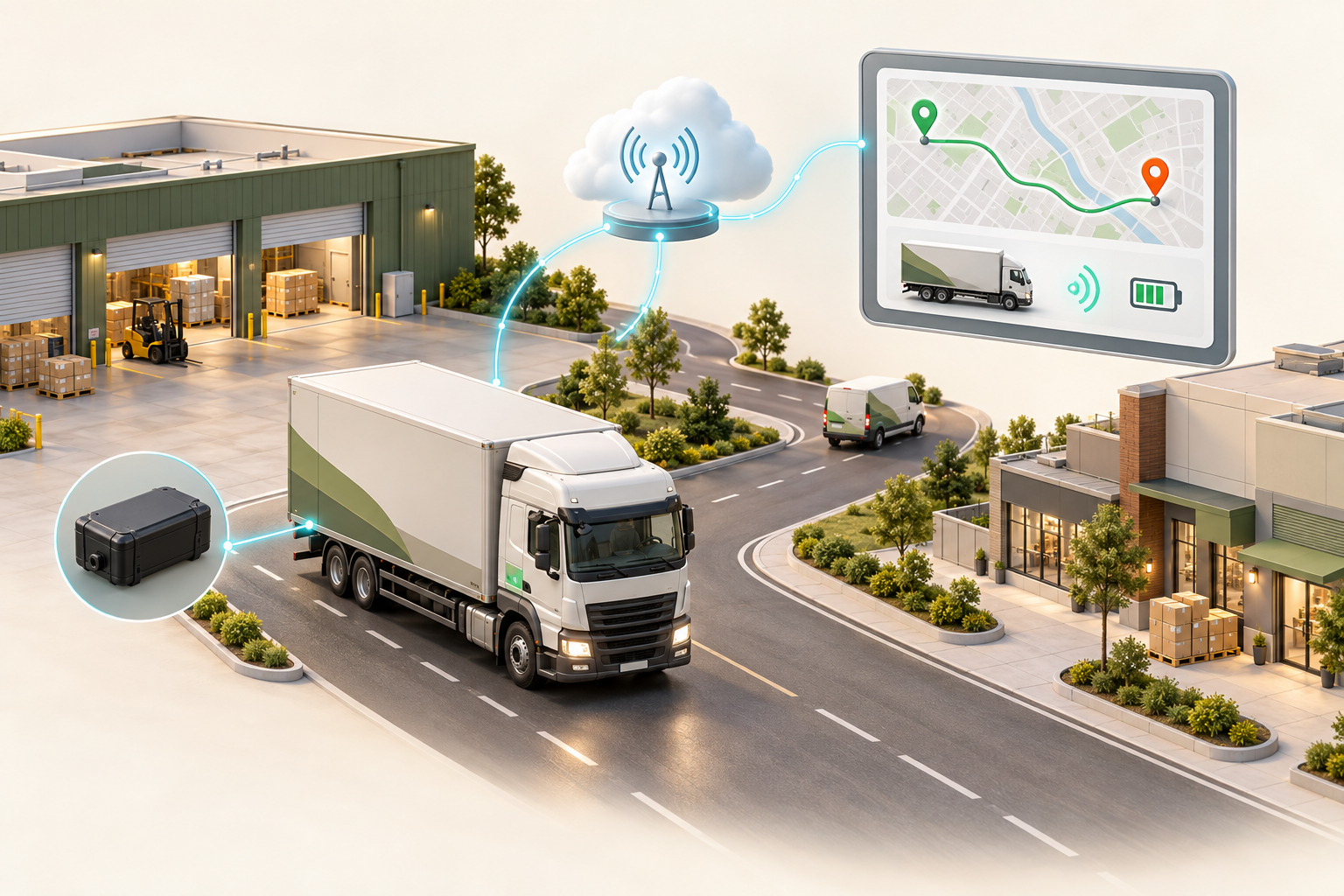
Follow the water from tank to outlet.
Set the tank level, open the valve and start the pump. Run the simulation to drain or refill the tank. At empty, flow stops and the pump switches off automatically.
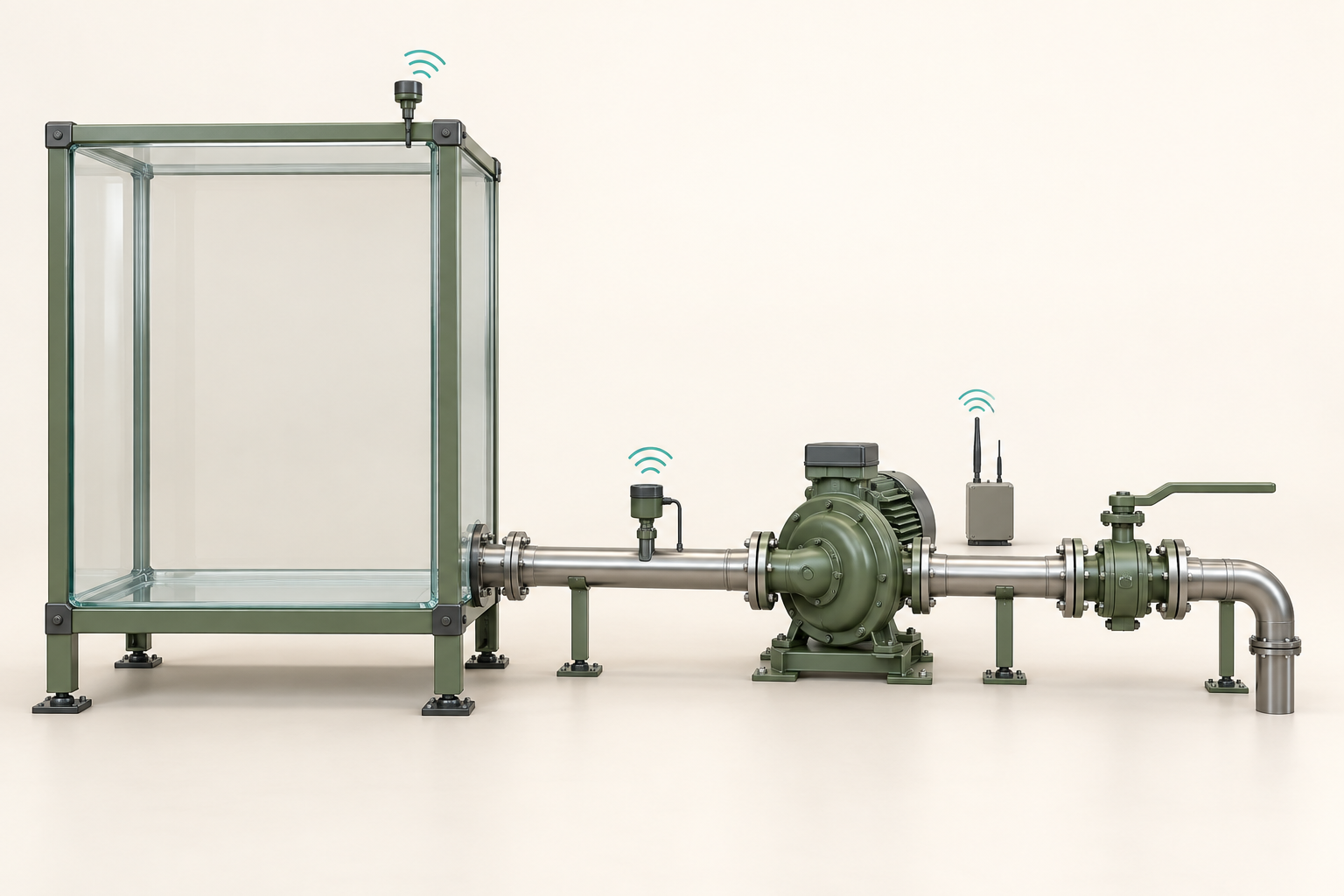 65%Valve OPEN
Interactive examples with simulated readings. Controls do not operate physical devices. Automatic level changes run only in the selected tab.